Understand, build, and analyze space systems.
Bring in an existing constellation or design your own. Put satellites, ground stations, beams, links and the atmosphere in one model and see how the system behaves. Build in the app, ask the built-in agent or connect your own.
Watch the film
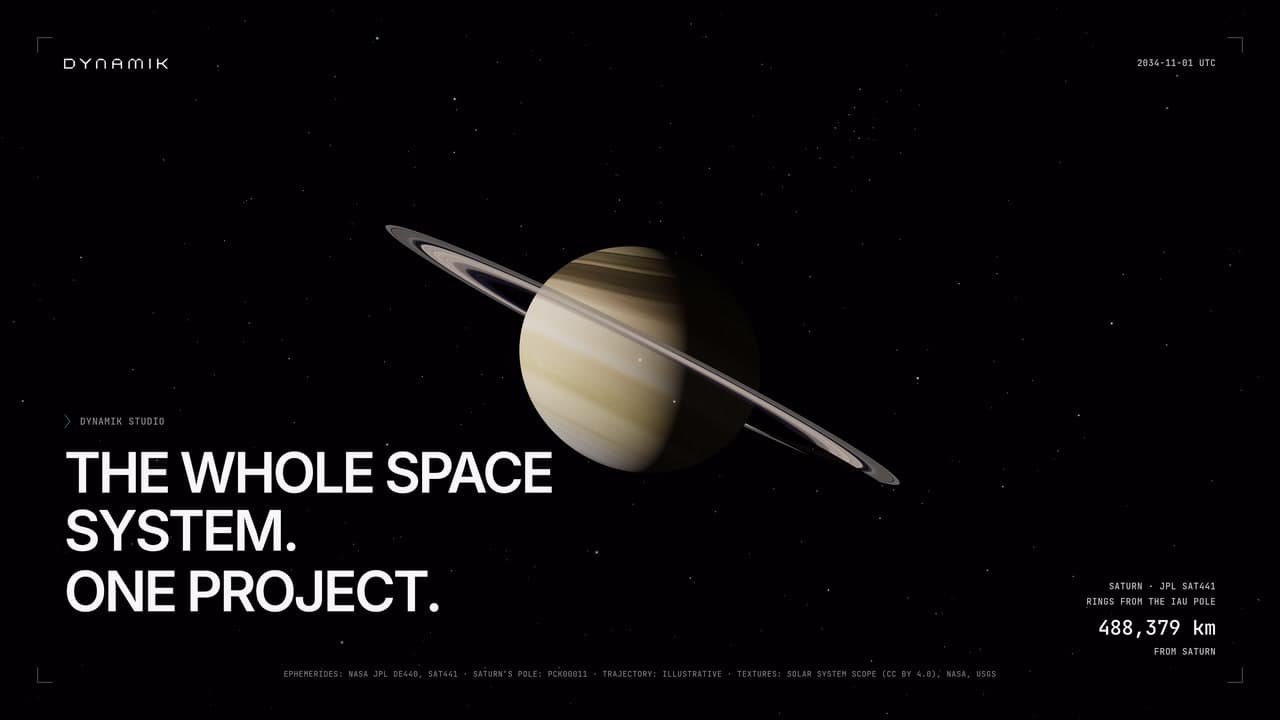
What you can model
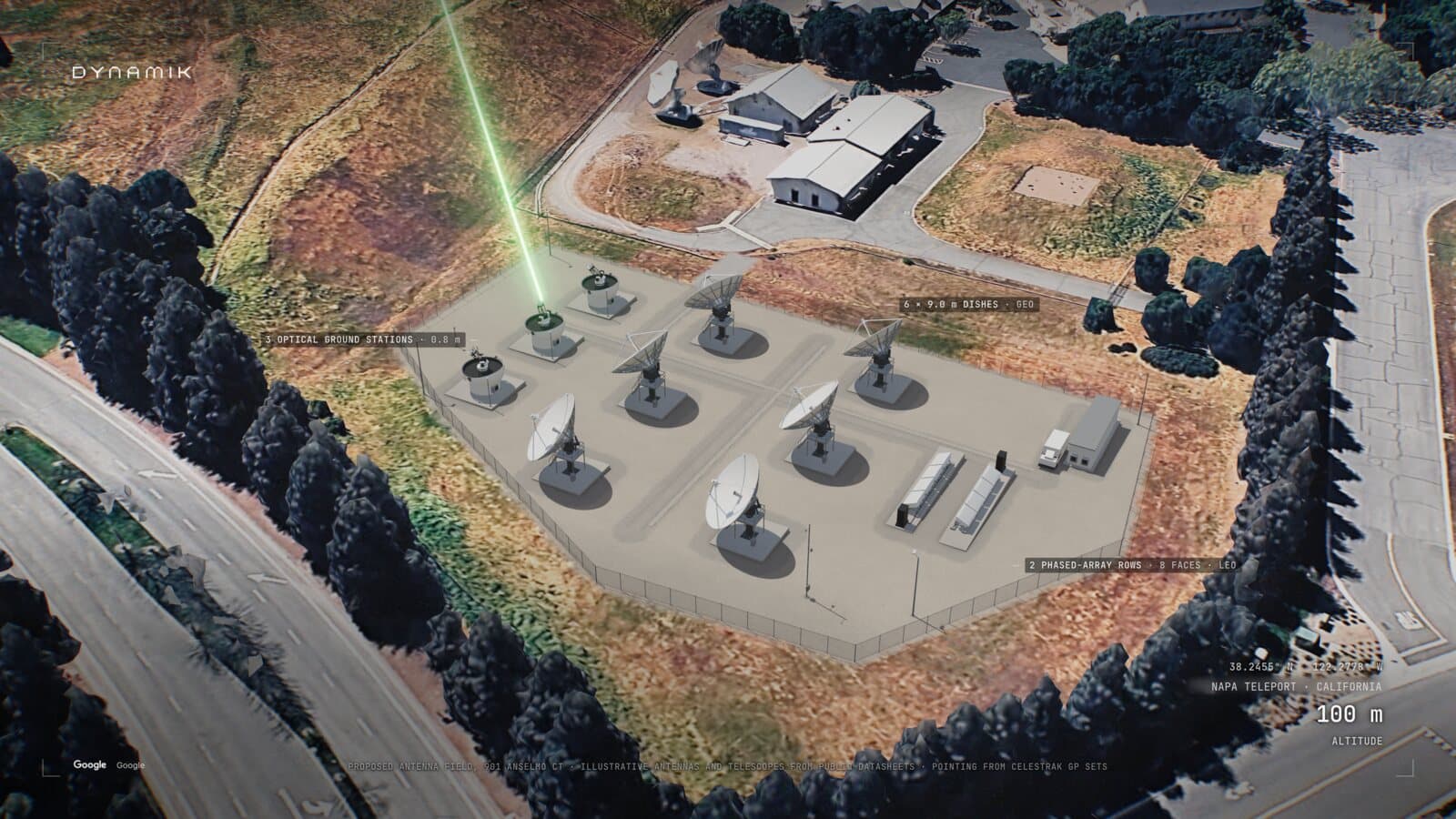
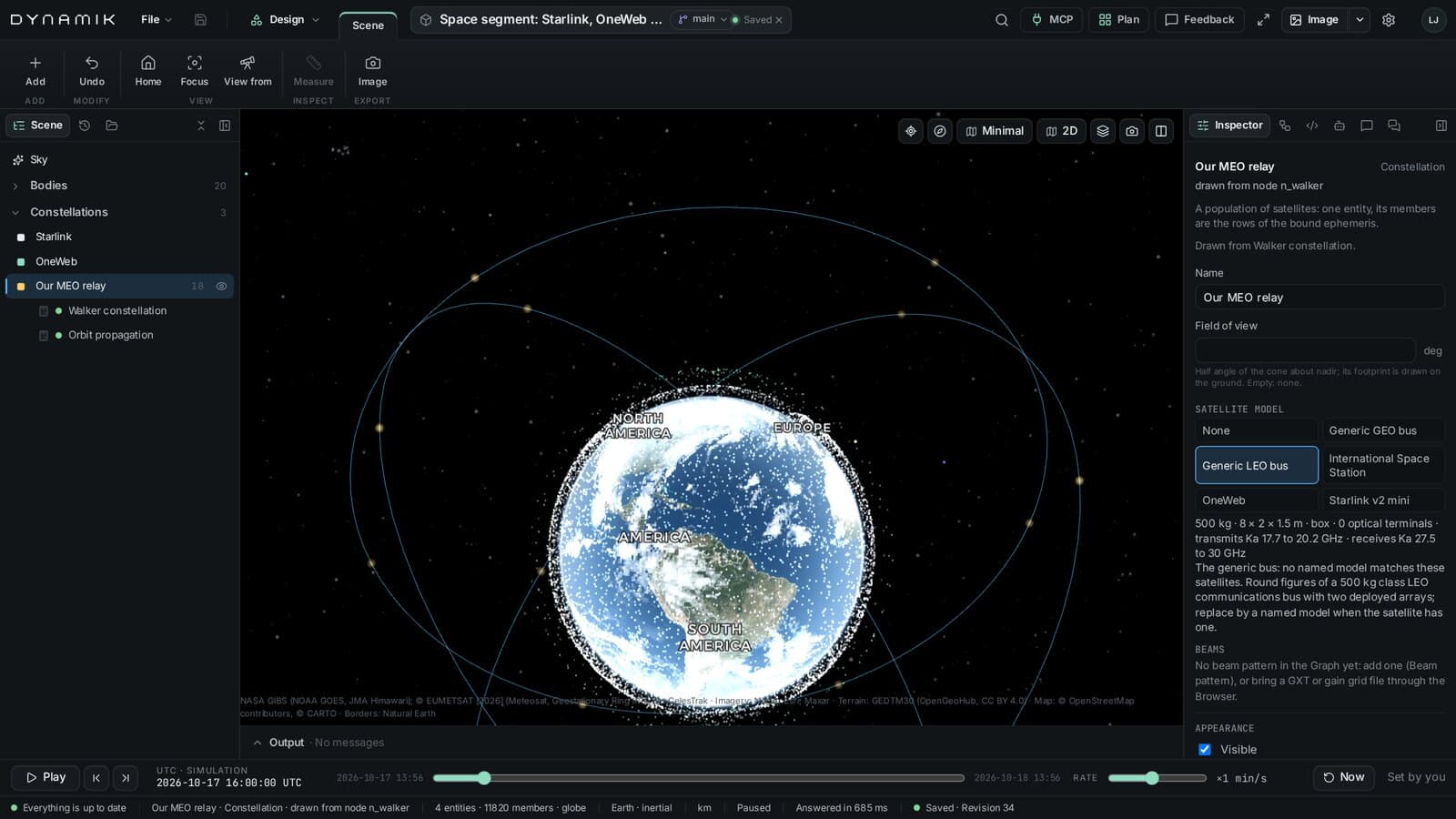
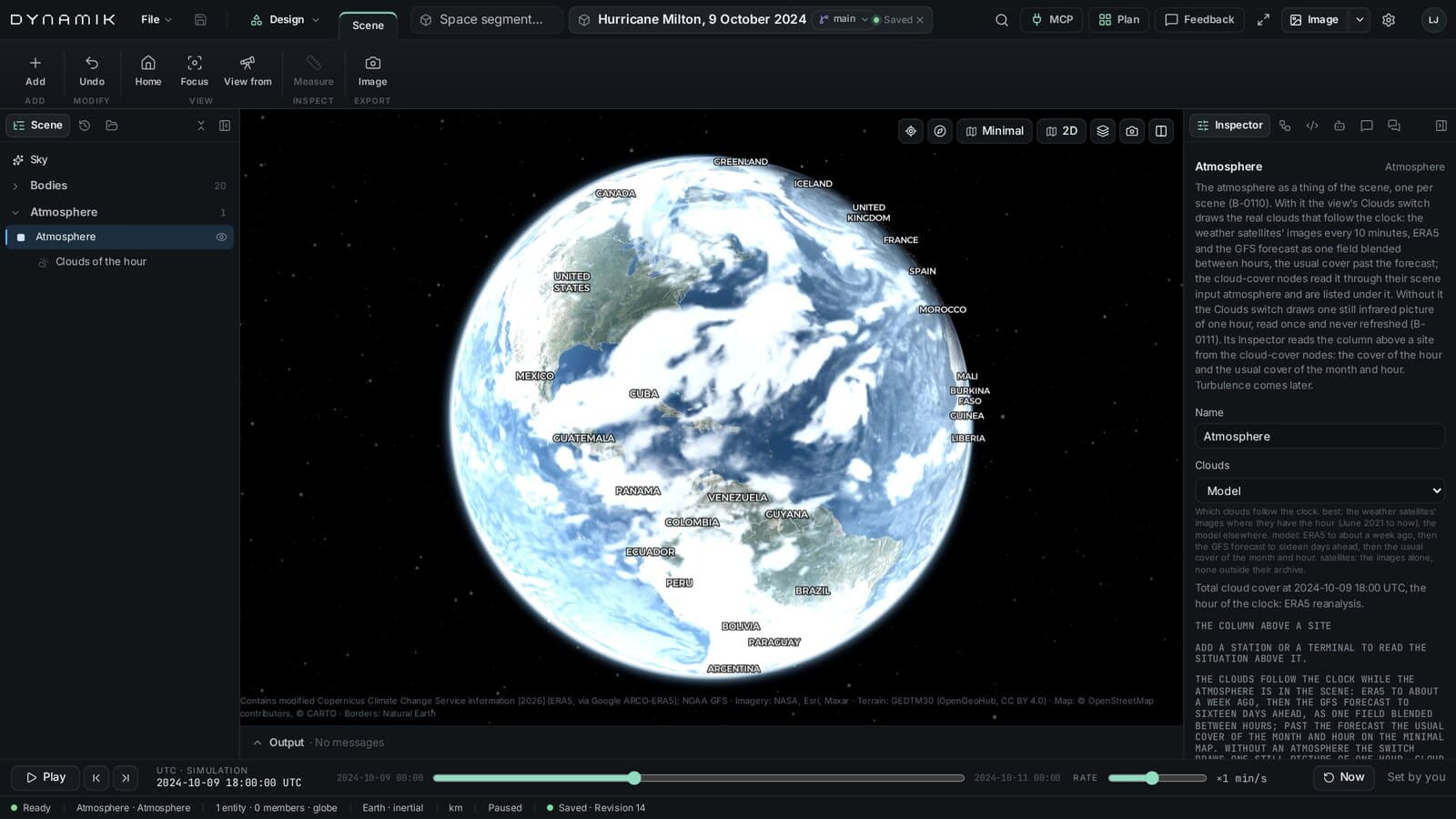
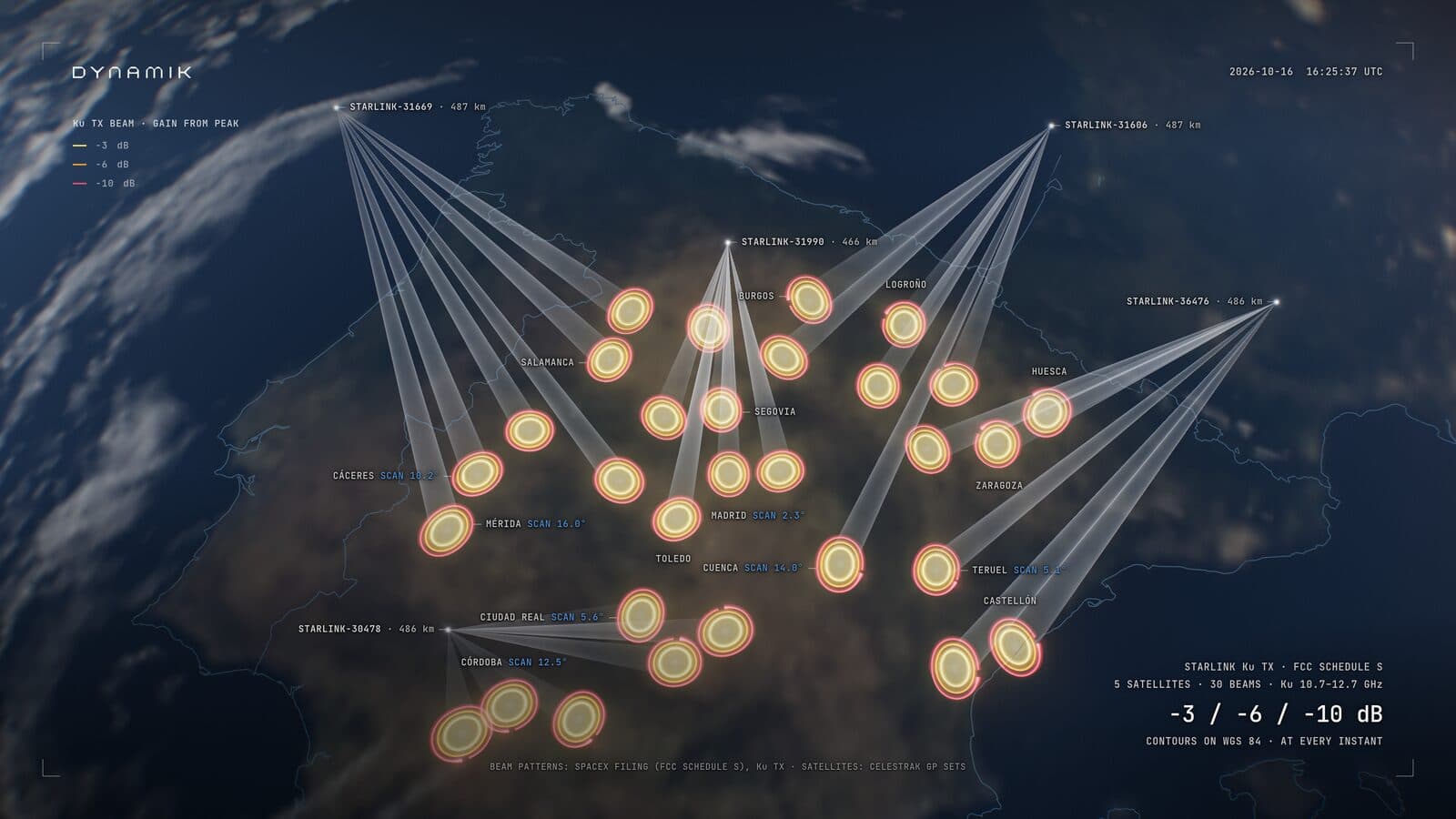
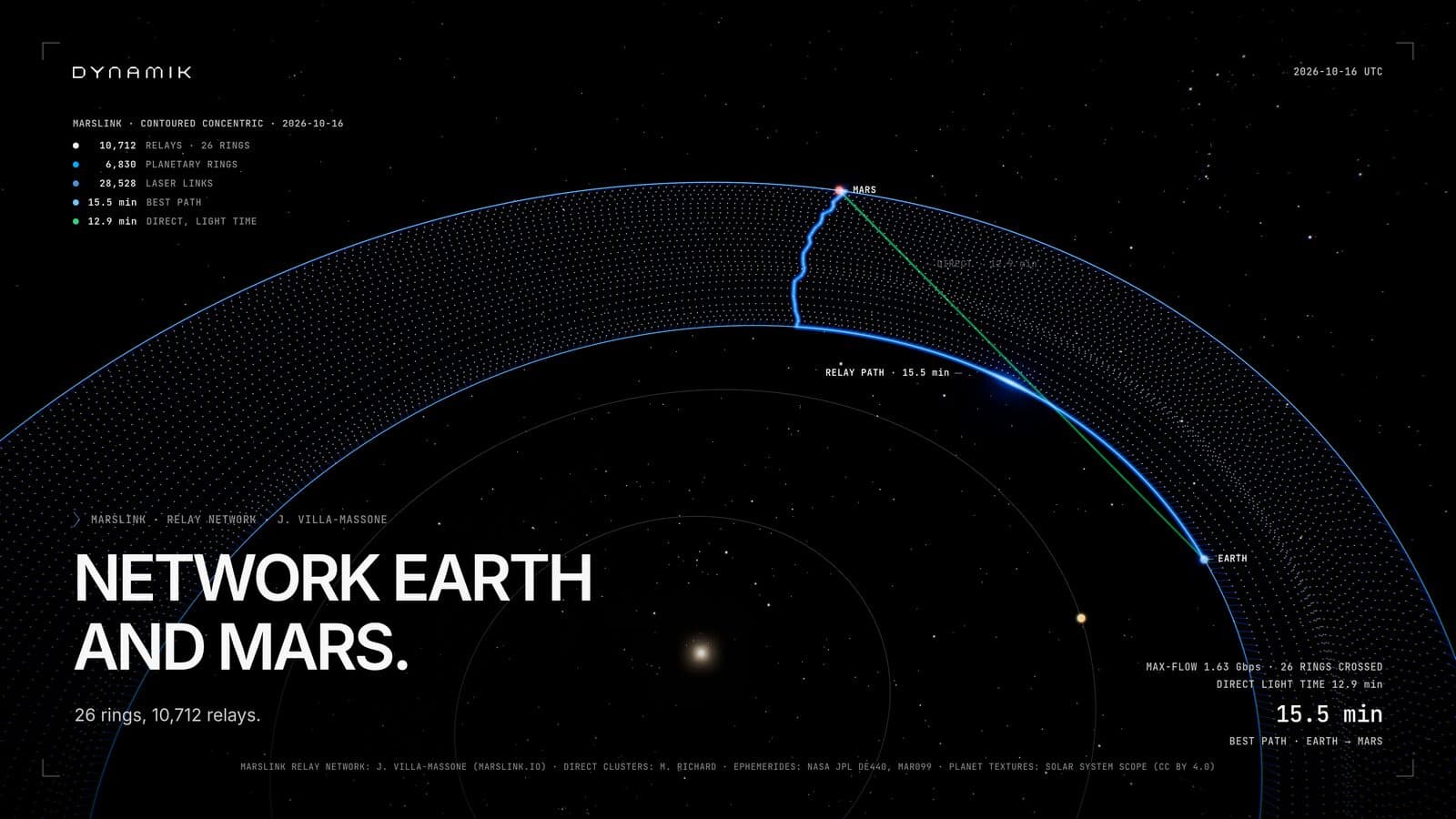
From the Dynamik Studio launch film
A foundation of real-world data
One model. Three ways to work.
All three act on the same project, and you can inspect and undo every change.
Build in the app
Add stations, constellations and the atmosphere, then adjust them in the Inspector.
Ask the agent
The built-in agent works in your project with the same tools you have.
Bring yours
Connect Claude, Codex or another MCP client at dynamik.studio/mcp.
Every result keeps the inputs and code that produced it.
See how the parts work together.
Put an adversary or commercial constellation from the public catalog beside your architecture. Change your own orbits, add ground stations and compare coverage, revisit and links side by side.
Your projects are private to your organization.
- Other organizations cannot tell your projects exist
- Every change attributed to the person or agent who made it
- Your own agent: conversations stay with your AI provider; we see only its tool calls
- Hosted by Dynamik for unclassified, non-export-controlled work; for controlled programs, talk to us